Custom Themes
Overview
It's very easy to customize the theme, all the default UI prefabs are located under the Plugins/RuntimeDebugAction/Prefabs/.
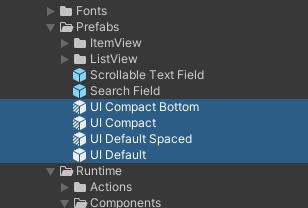
Duplicate from the UI prefab or create a prefab variant from it for customization.
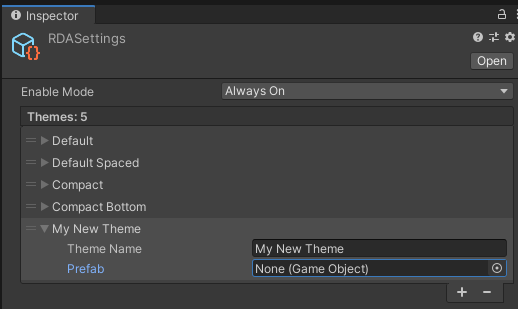
Then add and assign the new prefab as a new theme in the RDASettings located under Assets/Resources/.
Note
Theme at the top is the default theme
Default Theme List
| Theme UI | Prefab Type |
|---|---|
| UI Default | Original |
| UI Default Spaced | Variant |
| UI Compact | Variant |
| UI Compact Bottom | Variant |
Changing font
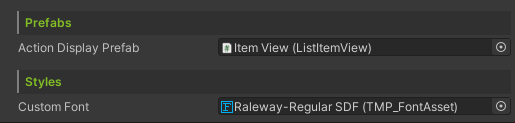
To assign a different font to the UI prefab, simply import your new font, create a TextMeshPro font asset from it, and assign to the DebugUIHandler's customFont field in the inspector of the UI prefab.